Does Meta AI read your WhatsApp messages?
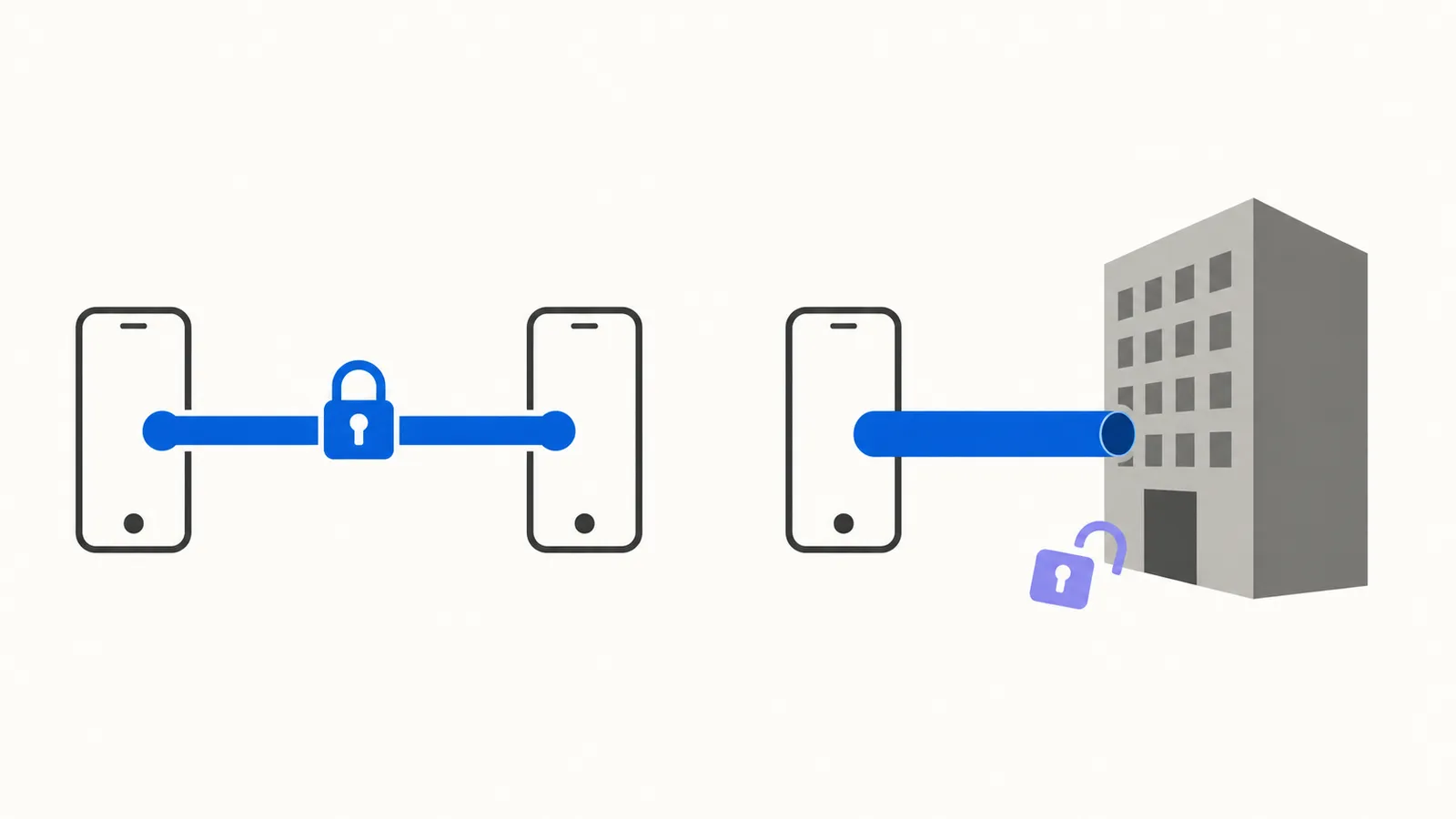
No. The messages you send to other people on WhatsApp are still end-to-end encrypted, and Meta AI doesn’t get to read them.
That answer is true, boring, and incomplete, which is roughly why the internet can’t settle on it. Half the posts you’ll find say Meta is quietly reading everything. The other half say the whole worry is a hoax. Both skip the part that actually touches you, which is what happens when you talk to Meta AI. That’s a different question with a very different answer.
The essentials:
- Your ordinary chats stay encrypted. Meta AI only sees a message when someone in the chat calls it in with
@Meta AIor shares a message with it — and in a group, that someone can be another person. - Anything you type into Meta AI does reach Meta, and WhatsApp says it may be used to improve Meta’s AI.
- There’s no switch that removes Meta AI. Some versions of the app let you hide the blue circle, which isn’t the same thing.
Can Meta AI read your WhatsApp messages?
Not the ones you send to friends and family. WhatsApp’s own help page is unusually direct about it: “Only messages that mention @Meta AI, or that people choose to share with Meta AI, can be read by Meta. Meta can’t read any other messages in your personal chats.” That’s the position as of August 2026, and it’s worth checking again in six months, because this feature has changed repeatedly.
The reason is end-to-end encryption, which sounds technical and isn’t. Your message gets scrambled on your phone and can only be unscrambled on the phone of the person you sent it to. Anyone who intercepts it along the way, including the company running the app, sees gibberish. WhatsApp puts it plainly: your personal messages and calls are protected “meaning no one outside of the chat, not even WhatsApp or Meta, can read, listen to, or share them.”
A message only reaches Meta AI when someone in the chat pulls it in, by typing @Meta AI or by sharing a message with it. Nothing gets swept up in the background because the assistant happens to exist in the app.
Read that sentence again, though, because the word doing the work is someone. It doesn’t have to be you. If another person in a group calls up @Meta AI, the part of the conversation they hand over leaves the encrypted bubble, and your messages can be in it. Groups go further than that: Meta AI can be added as a member, and WhatsApp says that when you do, “it can read and respond to new messages in the group.” It’s limited to the chat it was added to, and an admin can remove it whenever they want. But nobody has to ask your permission first. Your own chats stay private. What other people do with a conversation you’re part of isn’t yours to control, which was true of screenshots long before it was true of chatbots.
You may have seen scarier headlines than that. In January 2026 a law firm filed a lawsuit alleging Meta “can access virtually all” of WhatsApp users’ private communications. Meta called that “categorically false and absurd” and said it was seeking sanctions, pointing out that the same firm is helping the spyware maker NSO Group appeal a case WhatsApp won against it. Steven Murdoch, a professor of security engineering at University College London, told the Guardian he’d “be very surprised if what they are claiming is actually true.” Separately, reports that US authorities had looked into the question were denied: a Department of Commerce spokesperson called those reports “unsubstantiated.” It’s an allegation in an open case, not a finding.
What happens to what you type into Meta AI?
It goes to Meta. Not as a leak or a betrayal, but as the basic mechanics of the thing: your question has to reach the company’s computers for an answer to come back.
Kris Shrishak, an AI and privacy adviser quoted by the BBC, gave the sharpest one-line version of this. Encryption between you and your friend is untouched, he said, but “every time you use this feature and communicate with Meta AI, you need to remember that one of the ends is Meta, not your friend.”
What Meta does with it afterward is written down. WhatsApp says Meta “may use your prompts, the messages you share, and feedback to improve AI quality.” A prompt is just whatever you type at the assistant, the question or instruction you give it. In some countries the assistant may also draw on information from other accounts you’ve linked, such as Facebook or Instagram, along with “things like your interests, age, location, and profiles.”
Meta’s own warning inside the app is blunter than anything we’d write, so we’ll just quote it: “Don’t share information, including sensitive topics, about others or yourself that you don’t want the AI to retain and use.”
That’s the line to keep. The useful mental model isn’t a private chat with a friend. It’s closer to typing into a search box owned by an advertising company, because that’s nearer to what it is. If you’d hesitate to search for it, hesitate to ask it here. The same reasoning applies to every chatbot, which we go through in what happens to your data when you use AI tools.
What is the blue circle in WhatsApp?
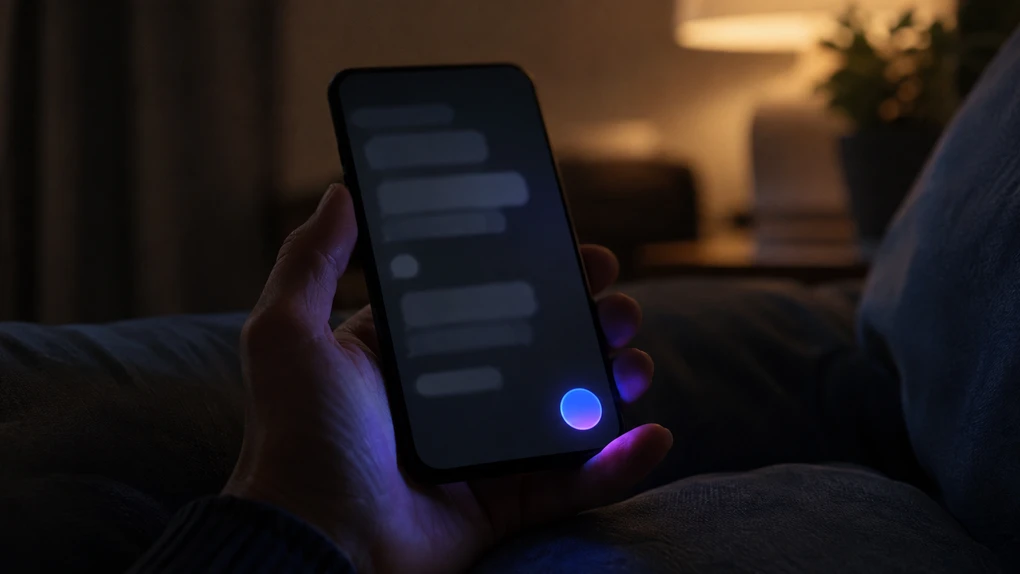
It’s the shortcut that opens Meta AI, parked on your Chats screen. Tap it and you get a chatbot that answers questions, drafts things, and makes images.
Two small facts explain most of the confusion around it. First, it isn’t always blue. WhatsApp’s help page says some users see “a pink and purple oval circle or a blue and purple circle,” which is why the descriptions you find online contradict each other. Second, Meta AI is “only available in limited countries” and, in WhatsApp’s words, “might not be available to you yet, even if others in your country have access.” If you don’t have the circle, nothing is wrong with your phone.
Can you turn Meta AI off?
Not in the way most people mean. There’s no setting that removes the assistant from WhatsApp, and Meta has been consistent about that while describing the feature as “an optional service.”
There’s a smaller thing worth looking for, though don’t count on finding it. A lot of guides describe a Show Meta AI button toggle under Settings, then Chats. It isn’t documented anywhere in WhatsApp’s own help pages, and when we went looking for it on a phone in August 2026, it wasn’t there.
So if you’ve read that this toggle exists and you can’t find it, nothing is wrong with your phone and you haven’t missed a step. It isn’t in every version of the app. And if you do have it, be clear on what it buys you: it hides the circle. It doesn’t switch Meta AI off. The assistant stays reachable from search and from @ mentions inside chats, which is the part that actually matters for what Meta receives.
This pattern isn’t unique to WhatsApp. AI features are arriving switched on across phones, browsers, and search results, and the amount of control you get varies a lot by product. We went through the ones you can genuinely disable in how to turn off AI features you didn’t ask for.
What can you actually control?
More than nothing, less than an off switch. The honest list is short:
- Don’t start the conversation. The assistant reads what you hand it. Not typing
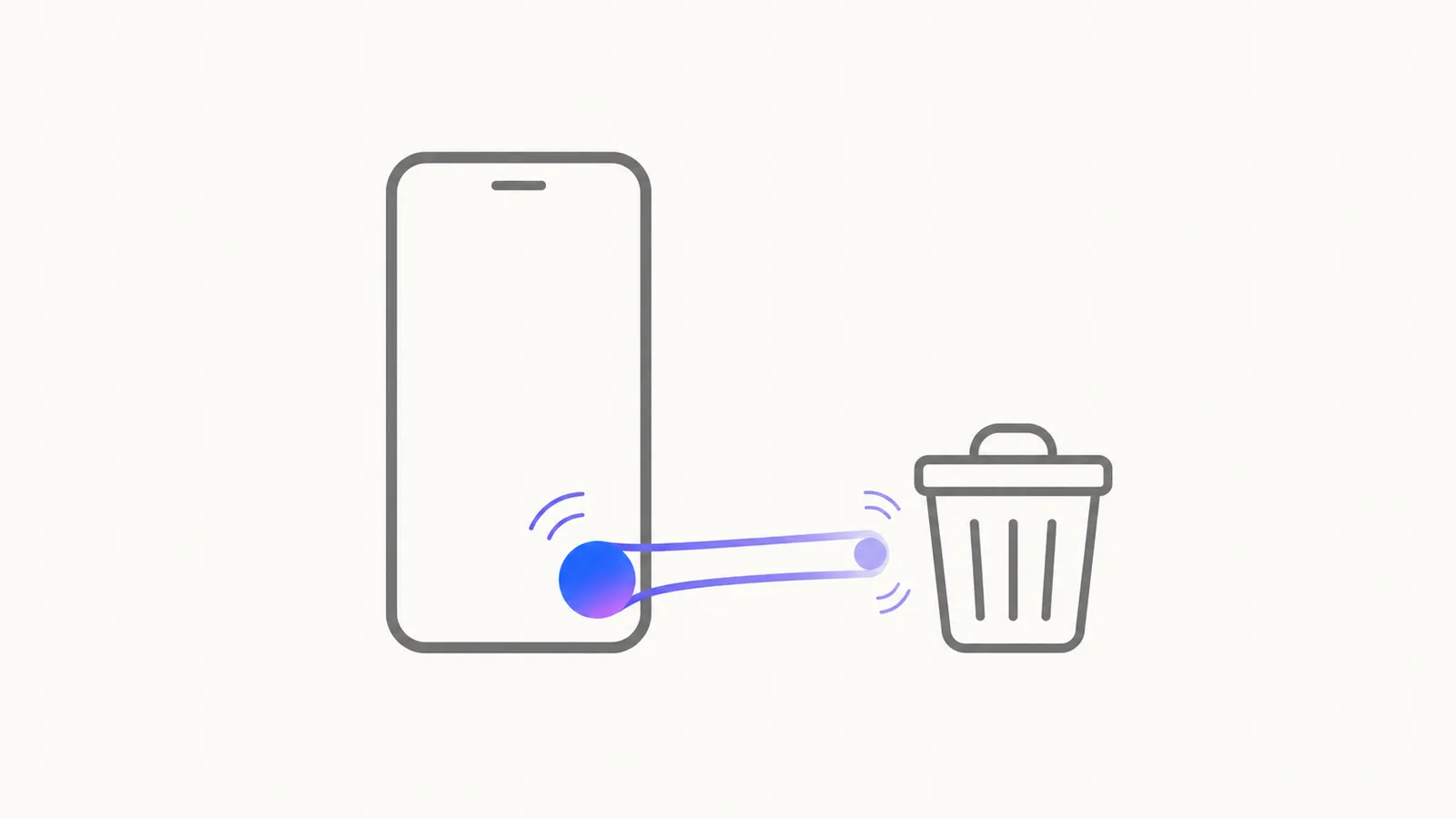
@Meta AIinto a chat is, unglamorously, the most effective privacy setting available. - Delete the chat, and delete the data. These are two separate actions and people conflate them. WhatsApp says you can “delete individual chats with Meta AI” or “request the deletion of information you previously shared with Meta AI.” Clearing the conversation off your screen isn’t the second one.
- Mute it if the notifications are what bother you.
- Turn on Advanced Chat Privacy in the chats that matter. It’s a per-chat setting, off by default, that works in one-to-one chats and in groups. WhatsApp says that when it’s on, “you can block others from exporting chats, auto-downloading media to their phone, and using messages for AI features.” That last part is the one that counts here, and note again who it’s aimed at: others. You turn it on by tapping the chat name and then Advanced Chat Privacy. A viral post claimed that without this setting Meta AI can read your private chats. That’s not true, and your chats are encrypted either way. What the setting does is stop other people in the chat from feeding it to the assistant.
Meta AI also isn’t a reliable narrator, which is a separate problem from privacy. WhatsApp warns that some of its answers “might not be accurate or appropriate,” and that’s the standard caveat for every chatbot, not a WhatsApp quirk. If you want the calm version of the broader question, we wrote is AI safe to use, and there are more plain-English answers in our AI Safety section.
Your conversations with people are fine. The box with the glowing circle is not a conversation with a person.
Frequently asked questions
Can Meta AI read my private WhatsApp chats?
No. WhatsApp's help pages state that only messages that mention @Meta AI, or that people choose to share with Meta AI, can be read by Meta, and that Meta can't read any other messages in your personal chats. Your personal messages and calls stay end-to-end encrypted, which means they're scrambled on your phone and unscrambled on the other person's, so nobody in between can read them. The one thing to know is that the person doing the sharing doesn't have to be you: anyone in a group can call the assistant in, and a group can have Meta AI added as a member.
What happens to what I type into Meta AI?
Meta receives it. That's not a leak, it's how a chatbot works: the message has to reach the company's computers for an answer to come back. WhatsApp says Meta may use your prompts, the messages you share, and feedback to improve AI quality. Meta's own in-app warning is the clearest summary: don't share information about others or yourself that you don't want the AI to retain and use.
What is the blue circle in WhatsApp?
It's the shortcut that opens Meta AI, Meta's chatbot, and it sits on your Chats screen. The color isn't the same for everyone. WhatsApp's own help page says some users may see a pink and purple oval circle or a blue and purple circle, which is why descriptions of it online don't match each other.
Can I remove the blue circle from WhatsApp?
There's no setting that removes Meta AI from the app. Many guides describe a Show Meta AI button toggle under Settings then Chats, which hides the circle rather than switching the assistant off. It isn't in WhatsApp's own documentation, and it wasn't on the phone we checked in August 2026, so treat it as something to look for rather than something you should expect to find. If it isn't there, that's normal and not something you did wrong.
Can I delete what I already told Meta AI?
Partly. WhatsApp says you have the option to delete individual chats with Meta AI or to request the deletion of information you previously shared with it. Deleting the chat from your screen and having Meta delete what it holds are two different actions, so the second one is the one to look for if that's what you want.
What happens if someone else in a group brings in Meta AI?
Then that part of the conversation leaves the encrypted bubble, and you didn't do it. Anyone in a chat can type @Meta AI, and whatever they hand over goes to Meta. A group can also have Meta AI added as a member, and WhatsApp says that when you add it to a group it can read and respond to new messages in that group, though only in the chat it was added to. Group admins can remove it at any time.