What is ChatGPT and how do you use it?
ChatGPT is a free AI chatbot made by a company called OpenAI. You type a question or request in everyday language, and it writes back an answer in seconds. People use it to draft emails, explain tricky topics, plan things, and get unstuck. Here’s what it is and how to start — no tech skills needed.
What ChatGPT actually is
Think of ChatGPT as a very well-read AI assistant you talk to by typing. You ask something, it replies in plain language. You can ask a follow-up, and it remembers what you just said, so the conversation builds the way a real one does.
Under the hood it’s a kind of program called a large language model — software trained on a huge amount of text so it can predict what words should come next. You don’t need to understand any of that to use it. If you can send a text message, you can use ChatGPT.
It launched in late 2022 and became the fastest-growing app of its kind. Today it’s one of the most-used tools on the internet, for everything from homework help to work emails. It’s not the only chatbot of this kind — Google Gemini and DeepSeek work the same way — but it’s the one most people start with.
What you can use it for
The simplest way to understand ChatGPT is to see what people actually ask it. Common uses:
- Writing — emails, messages, cover letters, social posts. Tell it the gist and the tone you want.
- Explaining — “Explain how a mortgage works like I’m 15.” It’s good at making hard things simple.
- Ideas — names for a business, gift ideas, dinner plans, things to do on a trip.
- Summarizing — paste a long article or document and ask for the short version.
- Fixing and improving — “Make this sound more polite,” or “Find the mistakes in this paragraph.”
It won’t be perfect at any of these, but it gives you a strong first draft to work from — and that’s often the hardest part.
It’s not just typing anymore
When ChatGPT launched, you typed and it typed back. It does much more now, and most of it works on the free plan (the free version just caps how much you can do before you wait a bit):
- Talk to it out loud. Tap the voice button and have a back-and-forth conversation, hands-free — handy while cooking or driving.
- Make pictures. Describe an image — “a birthday card with a cartoon dog” — and it draws one for you.
- Show it a photo or document. Snap a photo of a recipe, a sign in another language, or a form you don’t understand, or upload a PDF, and ask questions about it.
- Look things up. It can search the web for recent information, so it’s not stuck only knowing older facts.
You don’t have to learn any of this up front. Start by typing, and try the rest when you have a reason to.
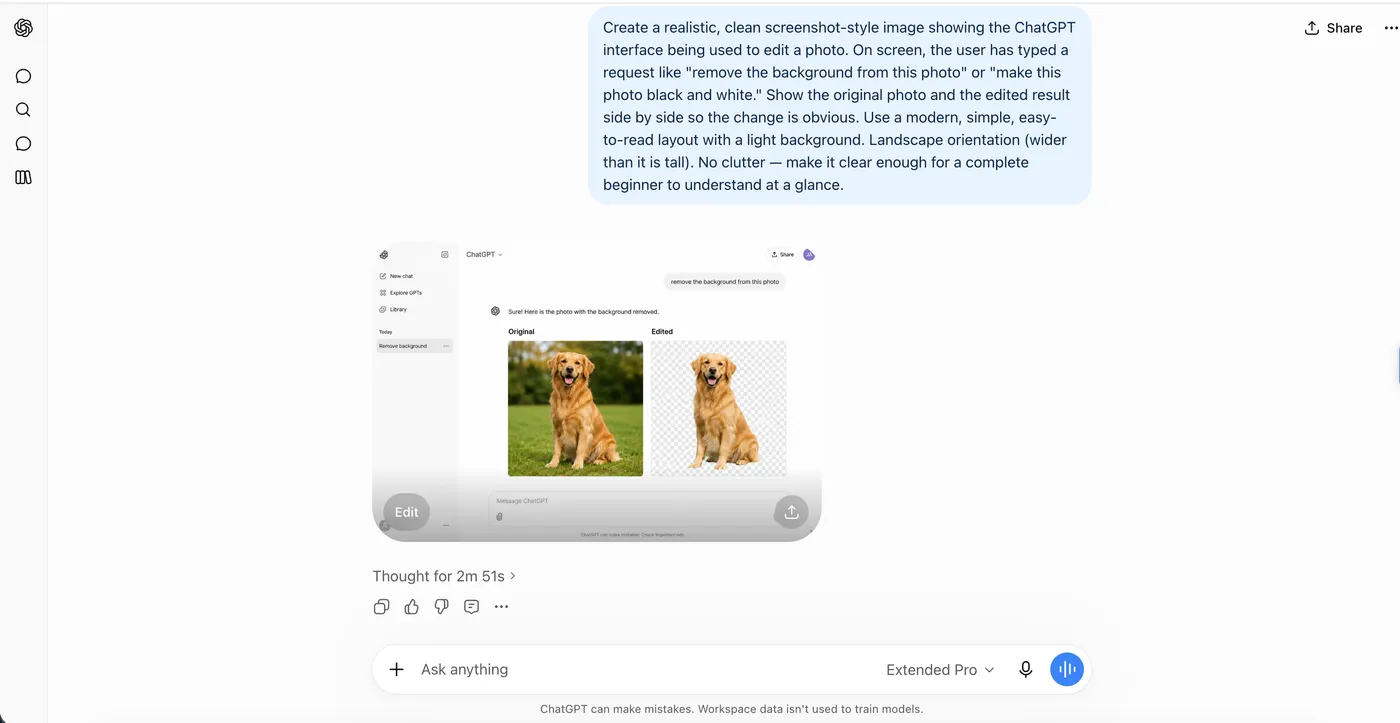
How to start, step by step
- Open it. Go to
chatgpt.comin any web browser, or install the ChatGPT app from your phone’s app store. - Make a free account. Sign up with an email address (or a Google/Apple account). You can try it without an account too, but signing up saves your chats.
- Type your question. There’s a text box at the bottom. Type what you want in normal words and press enter.
- Read the reply, then refine. Don’t like the answer? Just say so: “Make it shorter,” or “Give me three options instead.” Keep going until it’s right.
That’s the whole loop: ask, read, refine. You don’t need special commands.
How to get better answers
The quality of what you get back depends a lot on what you ask. A few simple habits help:
- Give it context. Instead of “write an email,” try “write a short, friendly email to my landlord asking to fix a leaking tap, and mention it’s been a week.”
- Say who it’s for. “Explain this to a complete beginner” gets a very different answer than “explain this to a doctor.”
- Ask for a format. “Give me a bullet list,” or “Keep it under 100 words.”
You’re not writing code — you’re just being clear, the way you would with a helpful person who can’t see what’s in your head.
Is it free?
Yes — there’s a free plan that’s enough for most beginners, and it’s the right place to start. OpenAI also offers paid plans with higher limits and extra features for people who use it heavily. You don’t need a paid plan to get real value out of ChatGPT, so try the free one first and only upgrade if you hit its limits.
One 2026 change worth knowing: in the US, the free plan (and the low-cost Go plan) now show ads, while the paid Plus and higher plans stay ad-free. OpenAI says the ads don’t change ChatGPT’s answers, but it’s a difference from the early ad-free days.
What to watch out for
ChatGPT is genuinely useful, but it has two real limits worth knowing before you lean on it:
- It can be confidently wrong. Sometimes it invents facts, names, or numbers that look right but aren’t — people call these “hallucinations.” Always double-check anything that matters (medical, legal, money, or facts you’ll repeat).
- Don’t share sensitive information. Avoid typing passwords, financial details, or private personal data. Treat it like a public service, not a private vault.
Used with that in mind, it’s a powerful everyday helper. Used blindly, it can mislead you. The trick is to let it do the heavy lifting and keep your own judgment in charge.
The bottom line
ChatGPT is the easiest way to start using AI in daily life. It’s free, it works in a browser or on your phone, and you steer it just by typing in plain language. Start with a real task you’re putting off — a tricky email, a plan, something to explain — and let it write the first draft. That’s the fastest way to see what it can do for you.
New to AI in general? Start with AI Explained. Want to get more out of it? Browse Using ChatGPT. Curious about Google’s version? See What is Google Gemini?
Frequently asked questions
What is ChatGPT in simple terms?
ChatGPT is a free AI chatbot made by a company called OpenAI. You type a question or request in plain language, and it writes back an answer in seconds — like texting a very well-read assistant who is happy to explain things, draft text, or brainstorm with you.
How do you start using ChatGPT?
Go to chatgpt.com in any web browser, or download the ChatGPT app on your phone. Create a free account with an email address, then type your question in the box at the bottom and press enter. You can also use it without an account in a limited way.
Is ChatGPT free to use?
Yes, there is a free plan that covers most everyday needs. OpenAI also offers paid plans with higher limits and extra features. The free plan is enough for most beginners to get started.
Can ChatGPT do more than answer typed questions?
Yes. You can talk to it out loud, ask it to make pictures, show it a photo or a PDF and ask questions about it, and have it search the web for recent information. Most of this works on the free plan, just with limits on how much you can do before a short wait.
Can ChatGPT be wrong?
Yes. ChatGPT can sound confident and still be wrong — it sometimes makes up facts, names, or numbers. Treat it as a smart helper, not a source of truth, and double-check anything important.